


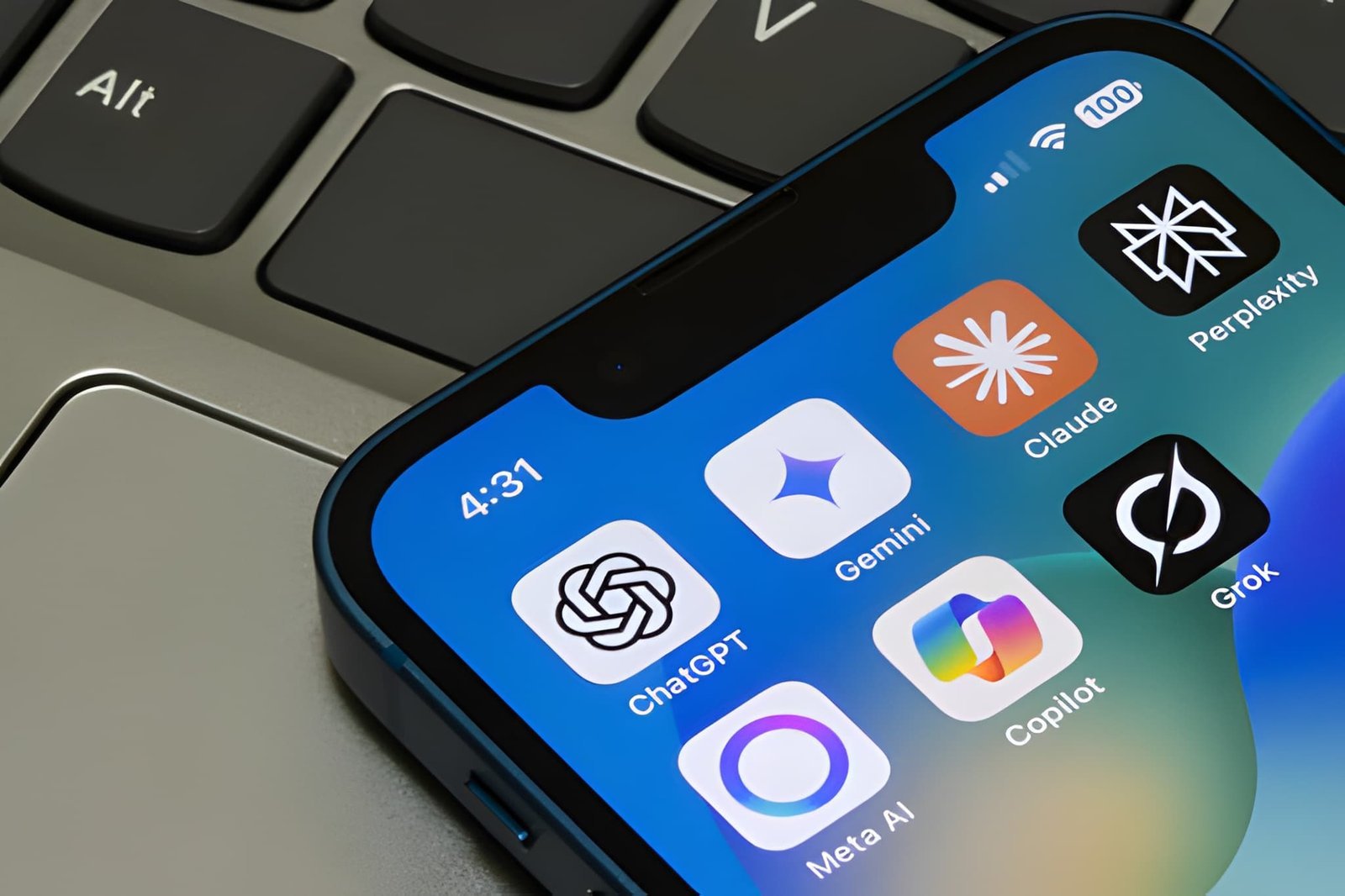
I get this question more than almost any other right now. People are overwhelmed, and honestly, it makes sense. Twelve months ago there were a handful of AI apps worth knowing about. Today there are hundreds, and new ones seem to launch every week with bigger promises than the last.
So let me cut through it. There is no single best AI app for everyone. What there is, though, is a best one for you, depending on what you actually do for work and what problems keep eating your time. This guide walks through the strongest tools in each category so you can make that call for yourself.
Everything below reflects where things stand heading into 2026. The landscape will keep shifting, but the tools covered here have proven staying power.
First, Why Is Everyone Talking About AI Apps Right Now?
AI has been quietly running in the background of everyday technology for years. Your spam filter uses it. So does your bank, your music app, and the camera on your phone. Most people never noticed, because it worked without drawing attention to itself.
What changed is that AI became something you could talk to and watch work in real time. Generative AI brought it out into the open. Suddenly people were using it to write emails, build presentations, answer questions, and produce images from scratch, and it was fast enough and good enough that they kept coming back.
That shift happened faster than most technology cycles do. Two years ago this was a niche conversation. Now it comes up at dinner tables and in board meetings equally.
What Actually Makes an AI App Worth Using
Not everything with ‘AI’ in the name deserves your attention. The tools that hold up over time tend to share a few things in common:
• They’re easy enough to use without a tutorial. If it takes real effort to figure out how to run a basic task, that friction will kill your interest within a week.
• The output is reliable. A tool that produces one great result and four mediocre ones is harder to trust than one that’s consistently solid.
• Pricing is straightforward, and the free version gives you enough room to genuinely test it.
• Security and privacy get treated seriously, not just mentioned in a footer.
• The team behind it keeps improving it. AI apps that stagnate fall behind quickly.
Best AI Apps for Writing and Productivity in 2026
This is where most people start, and for good reason. Writing and admin work eat a disproportionate amount of time in almost every job. These tools address that directly.
ChatGPT by OpenAI
ChatGPT is still the name most people say when they talk about AI apps, and it has earned that position. It handles an unusually wide range of tasks without needing you to customize it much. Writing, coding, research, document analysis, brainstorming, interview prep, you name it.
The free version is generous enough to be genuinely useful day to day. ChatGPT Plus upgrades you to GPT-4o, which adds image understanding and the ability to browse the web for current information. If you’re only going to try one AI app this year, this is the one most people should start with, just because the range of what it handles well is so wide.
Available on iOS, Android, and the web.
Claude by Anthropic
Claude has built a serious following, particularly among people who write for a living. Writers, researchers, and consultants tend to reach for it when the quality of the output matters more than the speed.
It handles long documents better than most, processes context across a large amount of text without losing the thread, and its writing tends to read more naturally than what you get from other models. If ChatGPT’s tone feels a bit formulaic to you, Claude is worth a serious look.
There’s a solid free tier, and the paid version adds more capacity and some extended features. Not a replacement for ChatGPT necessarily, more of a complement to it depending on the task.
Google Gemini
Gemini is Google’s entry and it carries real advantages if you’re already inside the Google ecosystem. Docs, Gmail, Drive, Meet, it plugs into all of it. The AI features inside Google Workspace have improved considerably and if your whole team runs on Google tools, this integration alone makes Gemini worth considering. The standalone app has also matured significantly heading into 2026.
Best AI Apps for Image and Creative Work
You no longer need to know Photoshop to produce visuals that look like someone with Photoshop made them. These tools have genuinely democratized creative output.
Midjourney
Midjourney produces some of the most visually impressive AI-generated images available right now. It has a distinct aesthetic, cinematic and detailed, that a large community of designers and artists has embraced. You interact with it through Discord, which feels slightly unconventional, but you get used to it fast. If visual quality is the priority, Midjourney is hard to beat.
DALL-E 3
DALL-E 3 is built into ChatGPT, which makes it the most accessible image generation tool for most people. You describe what you want in plain language, adjust through conversation, and get results without leaving the app you’re already using. It may not match Midjourney’s ceiling for artistic output, but the ease of use closes that gap for most practical purposes.
Canva with AI Features
Canva was already the default tool for non-designers before AI entered the picture. Now it’s significantly more powerful. Magic Design generates layout options from a prompt. Background removal happens in a single click. The AI text tools can draft copy directly inside your design. If your job involves regular production of social media content, presentations, or marketing materials, the time savings add up quickly.
Best AI Apps for Business and Professional Work
The business adoption of AI has moved faster than most sectors. These tools reflect what’s actually getting used inside companies right now, not just what’s being evaluated.
Notion AI
The smartest thing about Notion AI is where it lives. Rather than asking you to switch to a separate tool, it’s built into the workspace where your team already does its work. You can highlight a block of meeting notes and ask AI to pull out action items. You can generate a project brief from a few bullet points. You can translate a section of text without leaving the page.
For teams managing a lot of projects and documentation, the reduction in administrative writing time is real and noticeable.
Grammarly
Grammarly has been around long enough that people forget it’s an AI product. It works across your email client, your browser, Google Docs, and more. In 2026 it does considerably more than catch typos. It picks up on tone issues, clarity problems, and places where your writing might land differently than you intend. Useful for anyone who sends a lot of written communication and cares how it comes across.
Jasper
Jasper is built specifically for marketing teams and content operations that need to produce a high volume of polished copy without things going stale. It’s purpose-built in a way that general-purpose tools aren’t, which shows when you’re running campaigns across multiple channels and formats at once.
Best AI Apps for Students and Learners
AI has become a genuine study asset when students use it to actually learn rather than to skip the learning. These five are making the biggest difference:
• Khan Academy Khanmigo walks you through problems without handing over the answer. It teaches rather than shortcuts.
• Quizlet now auto-generates flashcards and practice quizzes from your uploaded notes, which cuts prep time significantly.
• Otter.ai transcribes lectures and meetings live so you can focus on listening rather than note-taking.
• Wolfram Alpha solves complex math and science problems step by step, which is genuinely more valuable than just the final answer.
• Perplexity AI searches the web and returns answers with citations attached, which makes it more trustworthy for research than asking a chatbot from memory.
How to Choose the Right AI App for You
Before you download anything, spend five minutes with these questions:
1. What task do you want this to handle? Be specific. ‘Help me be more productive’ is too vague. ‘Draft first-pass emails faster’ or ‘turn meeting notes into a summary’ is something you can actually test.
2. What does the budget look like? Free tiers are genuinely good in 2026. Don’t pay for anything until you’ve confirmed the free version isn’t enough.
3. Does it need to plug into tools you already use? Integration matters more than features if you’re going to actually use it daily.
4. What goes through it? If the answer is anything sensitive, check the privacy policy before you start.
5. Mobile, desktop, or both? Some tools are strong on one and weak on the other.
Start with one tool and use it consistently for two weeks before adding another. The people who get the most out of AI apps are the ones who go deep on a single tool rather than collecting five they barely use.
What to Expect from AI Apps in the Next Few Years
Multimodal AI is already here in early form, tools that can see images, hear audio, read documents, and respond across all of those simultaneously. That’s going to expand significantly. The boundaries between different types of AI tools will blur as everything gets more capable.
AI agents, tools that can take multi-step actions on your behalf without you guiding each one, are getting real traction. You’ll describe a goal and the tool will figure out how to accomplish it. That’s a meaningful change from where things stand today.
None of that means you should wait. The people who are comfortable with these tools now will adapt to the next wave faster than those starting from scratch. There’s no better time to build that familiarity than today.
Conclusion
The best AI app in 2026 is the one that solves a real problem you have right now. Not the one with the most features, not the one getting the most press, the one that earns a place in your actual daily routine.
Figure out where you’re losing time. Find the tool built to address that. Use the free version long enough to know whether it delivers. Then decide. The technology is genuinely good and getting better fast. You might as well take advantage of it.
Frequently Asked Questions
What is the number one AI app in 2026?
ChatGPT holds the broadest appeal for most users because of how much it handles well. That said, Claude is often preferred for writing, Gemini for Google Workspace users, and Midjourney for creative visual work. It genuinely depends on your use case.
Is ChatGPT free to use?
Yes. The free tier covers a lot of ground and is enough for most people getting started. The paid plan, ChatGPT Plus, unlocks more advanced capabilities including GPT-4o and web browsing.
Are AI apps safe for private information?
It varies by platform. Enterprise versions of most major AI tools come with stronger data protection guarantees. For anything genuinely sensitive, read the privacy policy and consider whether the consumer version is appropriate for that kind of information.
Can AI apps replace human writers or designers?
They handle volume and routine tasks well. The judgment, creative direction, and strategic thinking that make work actually excellent still comes from people. The realistic picture is collaboration, not replacement.
How quickly do these tools improve?
Faster than most software categories have historically moved. The app you start using today will be noticeably more capable a few months from now. That pace is unlikely to slow down anytime soon.