


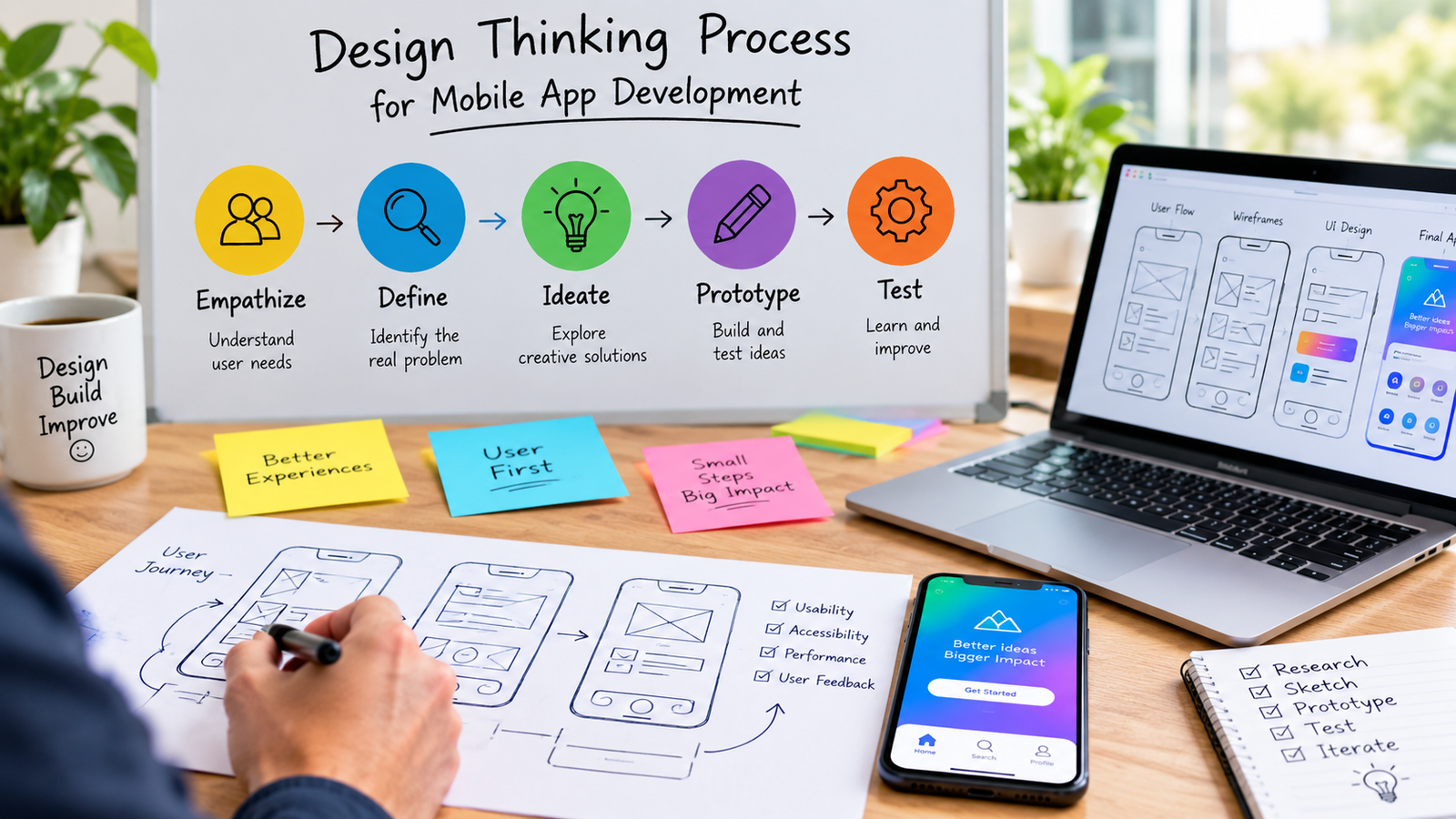
Plenty of apps get built backward. A team gets excited about a feature, ships it, and only afterward finds out users never actually wanted it in the first place. Design thinking flips that order. It starts with the user’s actual problem, not the solution someone already had in mind, and that single shift in sequence is a big part of why the approach has become so common in mobile app development.
The framework traces back to Stanford’s Hasso Plattner Institute of Design, commonly known as the d.school, which structured design thinking into five stages: Empathize, Define, Ideate, Prototype, and Test. This guide walks through what each stage looks like specifically in the context of building a mobile app, and how the process helps teams avoid building something nobody actually wanted.
What Design Thinking Actually Is
At its core, design thinking is a human centered approach to solving problems. Instead of starting with a feature list or a technical spec, it starts with genuine curiosity about the people who will actually use the product. It’s also explicitly non linear. Teams move back and forth between stages constantly, often returning to an earlier stage after something learned later on changes the picture. That flexibility is part of the point, not a flaw in the process.
The Five Stages Applied to Mobile App Development
Here’s a quick overview of what each stage typically looks like when applied specifically to building a mobile app.
| Stage | Goal | Common Mobile App Activities |
| Empathize | Understand real user needs and pain points | User interviews, surveys, app store review analysis |
| Define | Frame the core problem clearly | Problem statements, user personas, journey maps |
| Ideate | Generate a wide range of possible solutions | Brainstorming, sketching, feature prioritization |
| Prototype | Build a testable version of the idea | Wireframes, clickable mockups, low fidelity builds |
| Test | Validate the solution with real users | Usability testing, beta feedback, analytics review |
Stage 1: Empathize
Before a single wireframe gets drawn, the goal is to genuinely understand the people who will use the app. For a mobile product, that usually means talking directly to potential users, watching how they currently solve the problem the app is meant to address, and paying close attention to the specific context they’ll be using a phone in, since mobile use often happens on the move, with limited attention and unreliable connectivity. Reading through reviews of competing apps can also surface real frustrations users have already voiced without being asked.
Stage 2: Define
With research in hand, the next step is turning scattered observations into a clear, specific problem statement. A vague goal like “make grocery shopping easier” isn’t enough to design around. A sharper definition, something closer to “busy parents need a way to build a weekly grocery list in under two minutes while multitasking,” gives a team something concrete to actually design toward. This stage often includes building user personas and mapping out the journey a user takes through the app, highlighting exactly where friction shows up.
Stage 3: Ideate
This is where the team generates as many possible solutions as it can before narrowing anything down. Brainstorming sessions, sketching sessions, and feature prioritization exercises all happen here. For mobile apps in particular, this stage benefits from thinking through multiple approaches to the same core problem rather than locking onto the first idea that comes up, since a mobile interface has far less screen space to work with than a desktop app, which makes early creative exploration especially valuable.
Stage 4: Prototype
Ideas get turned into something people can actually interact with, even if it’s rough. For mobile apps, this often starts with simple wireframes, then moves to clickable, interactive mockups built in tools designed for that purpose. The goal at this stage isn’t a finished product. It’s something real enough to put in front of users and learn from, built quickly and cheaply enough that throwing it away and starting over isn’t a big loss if it doesn’t work.
Stage 5: Test
Prototypes get put in front of real users, and the team watches closely rather than just asking for opinions. Usability testing sessions, beta releases to a small group, and early analytics all fall under this stage. Testing often reveals that the original problem definition was slightly off, which sends the team back to an earlier stage rather than moving forward with a flawed foundation. That loop back is a normal, expected part of the process, not a failure of it.
Why This Process Fits Mobile App Development Well
- Small screens leave little room for guessing wrong about what users actually need.
- App store competition means a confusing or poorly targeted app gets abandoned quickly, often within the first session.
- Mobile usage context, on the go, distracted, one handed, makes understanding real world use conditions especially important.
- Frequent update cycles make it easier to test, learn, and iterate compared to slower moving software categories.
Common Mistakes Teams Make
- Skipping the empathize stage entirely and jumping straight to features based on assumptions.
- Treating the five stages as a strict, one time sequence instead of an iterative loop.
- Building a high fidelity, expensive prototype too early, before the core concept has been validated.
- Testing with team members or stakeholders instead of actual target users.
- Ignoring test results that contradict the original plan, rather than looping back to redefine the problem.
Tools Commonly Used at Each Stage
- Empathize: user interviews, surveys, app store review mining, competitor analysis.
- Define: affinity mapping, user personas, journey maps, problem statement worksheets.
- Ideate: brainstorming sessions, sketching, dot voting, feature prioritization matrices.
- Prototype: wireframing tools, clickable mockup software, low fidelity built and coded prototypes.
- Test: usability testing sessions, beta testing platforms, in app analytics tools.
How Long Each Stage Typically Takes
Timelines vary a lot depending on the size of the team and the complexity of the app, but smaller mobile projects often move through an initial pass of all five stages in a matter of weeks rather than months, especially when the goal is validating a core concept before committing to full development. Larger, more complex apps naturally take longer at each stage, particularly during research and testing, but the iterative nature of the process means teams shouldn’t expect to move through the stages just once and be done.
Final Thoughts
Design thinking doesn’t guarantee a successful app, but it significantly reduces the odds of building something based purely on assumption. By starting with genuine user research and treating early ideas as testable guesses rather than finished decisions, teams catch expensive mistakes while they’re still cheap to fix, on paper or in a rough prototype, rather than after a full development cycle has already been spent.
Frequently Asked Questions
What are the five stages of design thinking?
The five stages, developed by Stanford’s d.school, are Empathize, Define, Ideate, Prototype, and Test. They’re meant to be applied iteratively rather than as a strict, one directional sequence.
Is design thinking only useful for early stage app ideas?
No. While it’s especially valuable when validating a new concept, design thinking can also guide redesigns, new feature development, and ongoing improvements to an existing app.
How is design thinking different from a standard software development process?
Standard development processes often focus on technical execution and timelines, while design thinking places heavier emphasis on understanding user needs upfront and validating ideas through testing before committing significant development resources.
Do small teams need to follow all five stages formally?
Not necessarily with heavy formal documentation, but skipping the underlying activities, understanding users, defining the problem clearly, generating multiple ideas, prototyping, and testing, tends to increase the risk of building something users don’t actually want.
What happens if user testing shows the original idea was wrong?
That’s a normal outcome of the process. Teams typically loop back to an earlier stage, often Define or Ideate, to adjust the problem statement or explore a different solution based on what testing revealed.
Can design thinking be combined with agile development?
Yes. Many teams use design thinking for the research, problem framing, and early concept validation phases, then move into agile sprints for the actual build once a direction has been validated through prototyping and testing.