


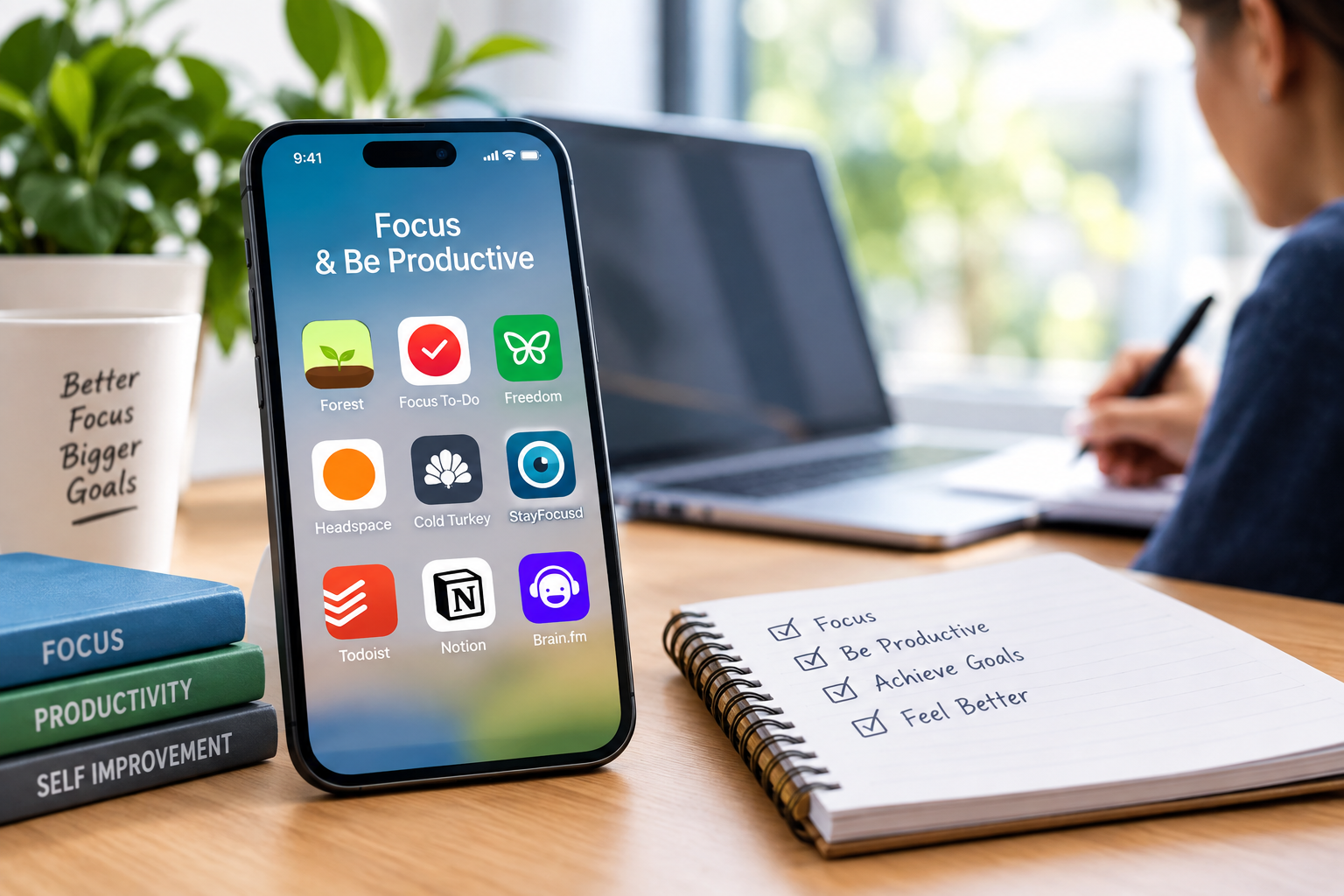
Most people don’t actually have a focus problem. They have a phone problem, a notification problem, or a silence problem, and those three things need completely different fixes. That’s really the key to picking the right focus app. The best one isn’t whichever app has the best reviews, it’s whichever one matches the specific thing pulling attention away in the first place.
This guide breaks down the main types of focus apps, which ones stand out in each category, and how to figure out which combination actually fits a specific set of bad habits.
Figure Out What’s Actually Breaking Focus First
Before picking an app, it helps to be honest about the real problem. Compulsively checking a phone calls for a blocker. Getting distracted by noise or silence calls for focus audio. Losing track of time entirely calls for a timer based system. Most people deal with more than one of these at once, which is why combining two or three lighter tools often works better than relying on a single all in one app.
Apps for Blocking Distractions
Freedom
Freedom blocks distracting websites and apps across phones, tablets, and computers at the same time, using a shared schedule so a blocked site on one device stays blocked everywhere else. It’s built for people who need a blanket block during working hours rather than a gentle nudge, and it includes a locked mode that prevents turning off a session early.
Opal
Opal takes a stricter approach, fully locking selected apps during a scheduled focus session rather than just discouraging their use. It tends to suit people who’ve found that softer reminders don’t actually stop them from reaching for a phone.
Cold Turkey
Cold Turkey is a desktop focused blocker known for being especially difficult to bypass once a block is set, including a locked mode that can’t be turned off until a set timer runs out. It’s a common pick for people who’ve talked themselves out of milder blocking tools in the past.
Apps That Use Gamification
Forest
Forest plants a virtual tree at the start of a focus session, and the tree dies if the app gets closed to check something else. Over time, completed sessions build up into a small virtual forest. It’s a gentler approach than a hard block, relying on a visible reward rather than a locked door, which tends to work well for people who respond better to positive reinforcement than to strict restriction.
one sec
Rather than blocking anything outright, one sec adds a short pause and a breathing prompt before a chosen app opens, giving a moment to decide whether opening it was actually intentional. It’s built around interrupting an automatic habit rather than fighting against it directly, which makes it a popular pick for anyone who finds hard blockers too restrictive.
Apps That Use Focus Audio
Brain.fm
Brain.fm generates audio specifically designed to support sustained attention, rather than simply offering pleasant background music. It offers separate modes for focus, relaxation, and sleep, and some published research has looked at whether this kind of functional audio outperforms regular music or silence for attention based tasks, with results generally favorable toward the functional audio approach.
Endel
Endel generates adaptive soundscapes that shift based on factors like time of day and activity type, aiming to support focus, relaxation, or sleep depending on what’s selected. It leans more toward ambient, generative sound than structured music.
Apps for Timing and Structure
Pomofocus
Pomofocus is a free, web based Pomodoro timer, built around the classic technique of working in focused intervals, typically 25 minutes, followed by a short break. It’s a solid no cost starting point for anyone who hasn’t tried structured time blocking before.
Focus To-Do
Focus To-Do combines task management with built in Pomodoro timing, which suits anyone who wants a single app to track both what needs doing and how long they’ve actually spent focused on it.
Reclaim
Reclaim works more like a calendar assistant, automatically blocking out dedicated focus time around existing meetings and commitments. It’s a good fit for anyone whose focus problem is really a scheduling problem, with a calendar so packed that deep work never gets a real block of time.
Quick Comparison
Here’s a snapshot of a few standout apps across categories.
| App | Best For | Approach | Free Option |
| Forest | Phone addiction, gamified motivation | Grows a tree while you stay off your phone | Yes, basic version |
| Freedom | Serious cross device blocking | Blocks sites and apps on phone and computer | Limited trial sessions |
| Brain.fm | Background focus audio | AI generated music tuned for concentration | Trial only |
| Opal | Strict, unbypassable blocking | Locks distracting apps completely during focus time | Limited free tier |
| Pomofocus | Free Pomodoro timing | Simple web based Pomodoro timer | Yes, fully free |
| one sec | Gentle habit interruption | Adds a pause before opening a distracting app | Limited free tier |
How to Choose the Right One
- Identify the main distraction first: phone checking, background noise, poor time awareness, or an overcrowded calendar.
- Start with one app that directly addresses that specific problem rather than downloading several at once.
- Use the free trial or free tier before paying for a subscription, since the right fit often comes down to personal habits that are hard to predict in advance.
- Add a second tool only if the first genuinely isn’t covering the whole problem, such as pairing a blocker with focus audio.
- Revisit the setup occasionally, since focus habits and triggers tend to shift over time.
A Few Honest Limitations
- No app fixes focus on its own. These tools remove friction and add structure, but motivation and rest still matter.
- Pricing and features change fairly often for apps in this category, so it’s worth checking current plans directly before subscribing.
- What works well for one person’s distraction pattern can do very little for someone else’s, which is why trial periods matter more here than in most app categories.
- Hard blockers can backfire for some people, creating a sense of restriction that leads to abandoning the habit altogether rather than adjusting gradually.
Final Thoughts
There’s no single best app for focus and concentration, because focus problems aren’t all the same. Phone addiction, noise sensitivity, poor time structure, and an overbooked calendar each call for a different kind of tool. Picking one app that matches the actual problem, rather than the most hyped option on a list, tends to matter a lot more than which specific brand gets chosen.
Frequently Asked Questions
What is the best free app for focus and concentration?
Pomofocus is a fully free, web based Pomodoro timer, and Forest offers a usable free tier on Android, making both solid starting points without any cost.
Which focus app is best for phone addiction?
Forest and one sec are commonly recommended for compulsive phone checking, with Forest using a gamified reward system and one sec using a gentle pause before opening a distracting app.
Do focus music apps like Brain.fm actually work?
Some published research suggests functional audio designed specifically for concentration can outperform regular music or silence for certain attention based tasks, though individual results vary.
What’s the difference between Forest and Freedom?
Forest uses positive reinforcement, growing a virtual tree as a reward for staying focused, while Freedom actively blocks distracting sites and apps across devices rather than relying on willpower alone.
Can focus apps help with ADHD specifically?
Many people with ADHD find a combination of tools helpful, often pairing a gentle gamified app like Forest with focus audio like Brain.fm, though individual needs vary and no single app works for everyone.
Is it better to use one focus app or combine several?
Combining a small number of tools that each address a different distraction, such as a blocker plus focus audio, often works better than expecting a single app to solve every type of distraction at once.