


If you forgot your Zong SIM number, don’t worry. This guide shows all working methods to check your Zong number — even without balance, on USSD error, or on MiFi/dongle SIMs.
Whether you’re asking “Zong apna number kaise maloom karein” or searching for “Zong ka number check karne ka code”, this page has the fastest and most reliable answers.
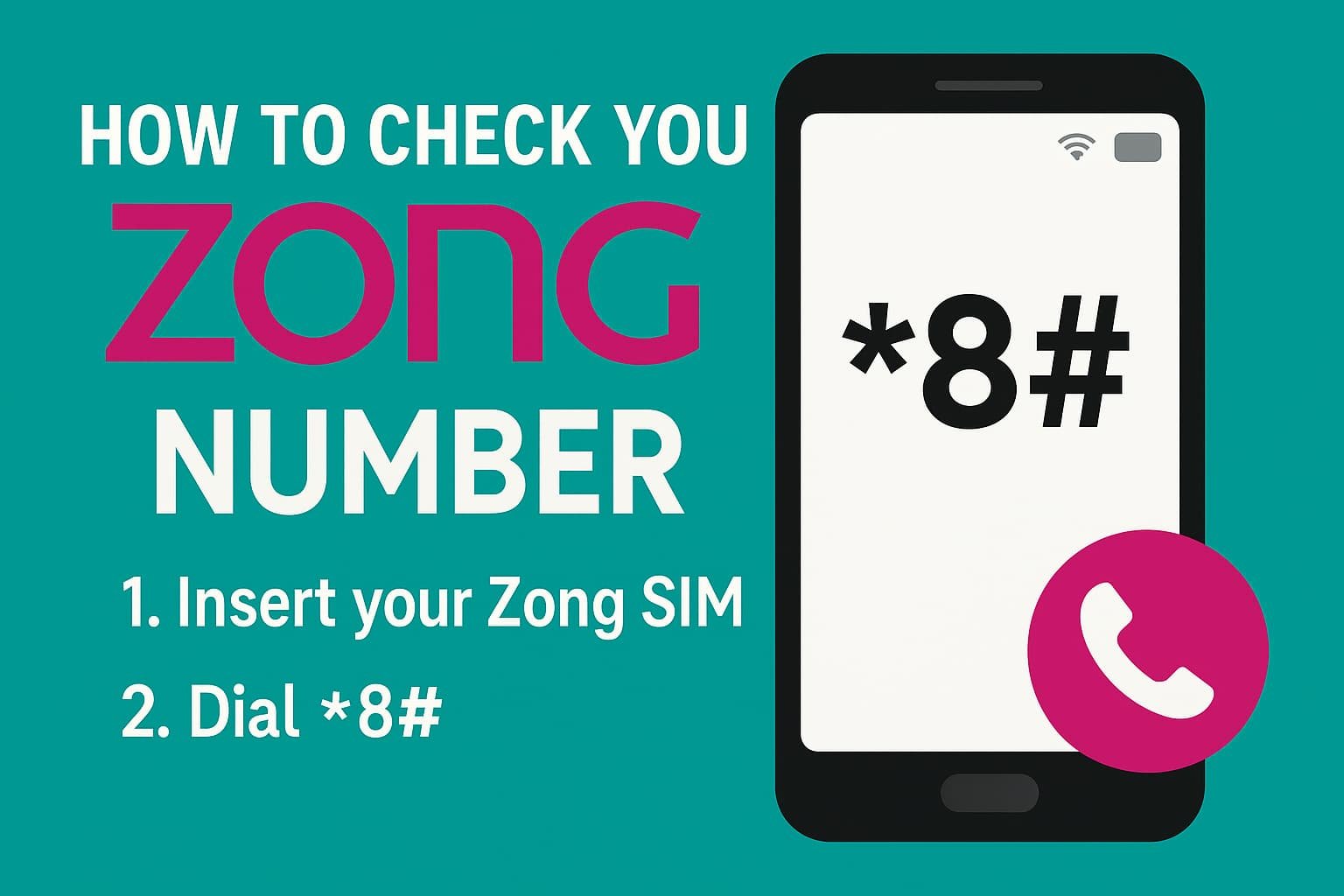
3 Steps Quick Method
- Insert your Zong SIM into your phone
- Dial
*8# - Your Zong number appears on screen instantly
Quick Zong Number Check Codes
| Method | Code / Action | Balance Required |
|---|---|---|
| USSD (Primary) | Dial *8# | ❌ No |
| USSD (Alternate) | Dial *100# | ❌ No |
| SMS | Send blank SMS to 667 | ⚠️ Small charge |
| App | My Zong App | ❌ No |
| Helpline | Call 310 | ❌ No |
Method 1 — USSD Codes (Recommended)
This is the fastest and most used method.
Primary Code
📞 Dial *8#
Your Zong number will display on the screen.
Alternate Code (Fallback)
📞 Dial *100#
Useful if *8# is not working.
✔ Works on:
- Smartphones
- Feature phones
- Prepaid SIMs
- Zong SIM number check without balance
If the Code Doesn’t Work (Troubleshooting Checklist)
If you see errors like “USSD code not working”, “invalid MMI code”, or “network busy”, follow this exact flow:
🔄 Step-by-Step Resolver (Use in Order)
- Try
*100#if*8#fails - Turn Airplane Mode ON → OFF
- Remove & reinsert the SIM
- Check signal (move to open area)
- Restart your phone
- Call 310 (Zong Helpline)
Common Error Meanings
- Invalid MMI Code → Network or SIM provisioning issue
- Network Busy → Temporary congestion
- SIM Not Provisioned → SIM inactive or blocked
👉 If errors persist, the SIM may need reactivation.
Method 2 — SMS Method (Alternate Option)
📩 Send a blank SMS to 667
- You’ll receive an SMS with your Zong number
- ⚠️ May deduct a small SMS charge
- Works when USSD fails
Method 3 — My Zong App (Online Method)
This is the official online way to check your Zong number.
Steps:
- Install My Zong App from Play Store / App Store
- Open the app with mobile data ON
- Your Zong number appears on the home screen / profile
✔ Best for:
- “Can I check my number online?”
- Account & package management
- Data-only users
Method 4 — Zong Helpline 310
📞 Call 310 from your Zong SIM
They may ask:
- CNIC last digits
- SIM ownership confirmation
- Recent activity verification
✔ Useful when:
- USSD & SMS both fail
- SIM is partially blocked
- You need human support
Also Read:
For MiFi / Dongle / Tablet SIMs (Data Devices)
If your Zong SIM is in a MiFi, dongle, or tablet, USSD won’t work.
Method 1: Device Admin Panel (Recommended)
- Connect to the MiFi Wi-Fi
- Open browser and go to:
192.168.8.1(Huawei)192.168.1.1(some ZTE models)
- Login (default: admin/admin)
- Check:
- Device Info
- SIM Status
- WAN / Mobile Network section
Look for labels like:
- MSISDN
- Mobile Number
- SIM Number
Method 2: Insert SIM into Phone
Put the SIM into a phone and dial *8#
FAQs
❓Does Zong number check work without balance?
✅ Yes. Dialing *8# or *100# works without any balance.
❓ Will this work on postpaid SIM?
✅ Yes. USSD codes and My Zong App work for prepaid & postpaid.
❓ Why am I getting “Connection problem or invalid MMI code”?
This usually means:
- Network issue
- SIM not properly provisioned
- Temporary outage
Try troubleshooting steps or call 310.
❓ Can I check my Zong number online?
✅ Yes, using the My Zong App (official method).
No third-party website can show your number securely.
❓ What if my SIM is inactive?
You must visit a Zong franchise with your CNIC for reactivation.
Roman Urdu Summary (User Engagement Boost)
Zong apna number kaise maloom karein?
👉 Mobile mein Zong SIM daal kar *8# dial karein.
Agar kaam na kare to *100# try karein ya 310 par call karein.
Balance zaroori nahi.
Key Takeaways
- You can check your Zong number using various methods, including USSD codes, SMS, My Zong App, and Helpline.
- The primary USSD code is *8#, which displays your Zong number instantly, and *100# serves as an alternate.
- For users with MiFi or dongle SIMs, access your number through the device’s admin panel or by inserting the SIM into a phone.
- If you encounter errors like ‘Invalid MMI code’, follow the troubleshooting steps outlined in the article.
- You do not need balance to check your Zong number using USSD, and both prepaid and postpaid users can utilize these methods.
How to Check Your Zong Number
Insert Zong SIM into your phone and ensure signal is available.
Dial *8# from the Zong SIM.
Your Zong number will appear on the screen.
Yes, dialing *8# or *100# works without any balance.
This usually happens due to network issues or SIM provisioning problems. Try alternate codes or call 310.
Yes, you can check your number using the official My Zong App.